Without app downloading.
Menu, products and order note on the phone.
SPECIAL FOR YOUR RESTAURANT / QR MENU & ORDER
The customer selects his product, adds his note and places the order. Your team sees which table it comes from, accepts it and begins preparations.
Discover flow in 30 secondsMENU
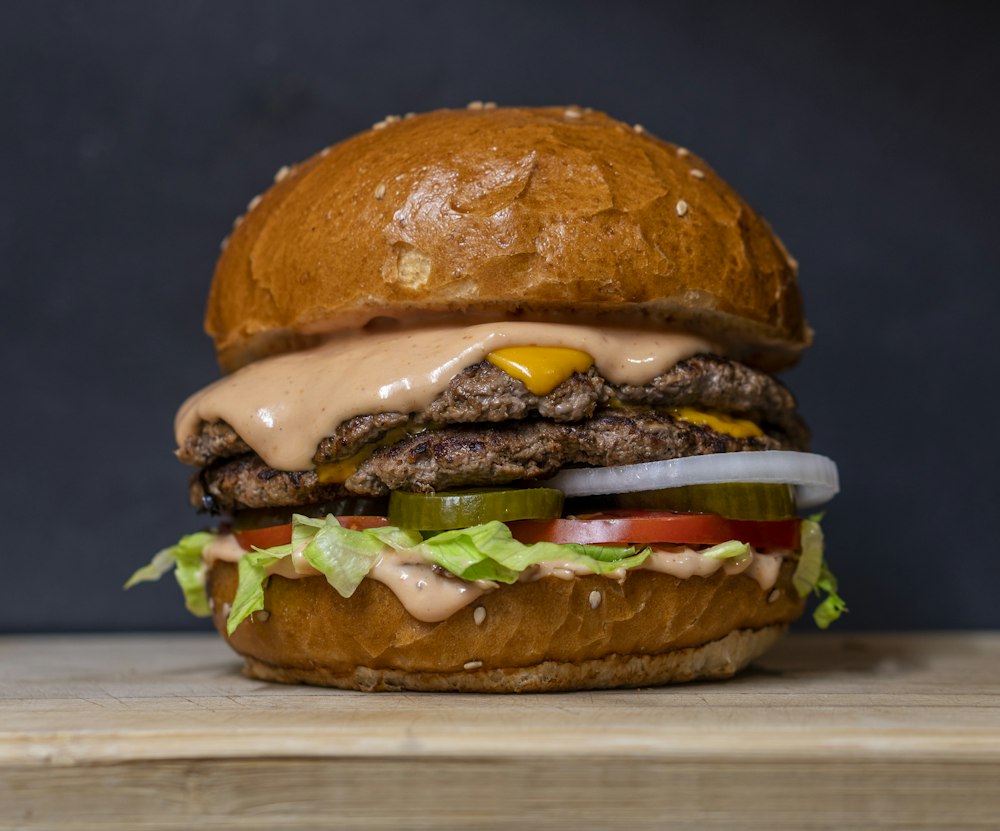
Cheddar, caramelized onion,
homemade sauce.
BASKET · TABLE 4
Sample order · Actual order will not be sent.
ORDER #1003
Waiting for approval from the team.
1 × Fire Burger
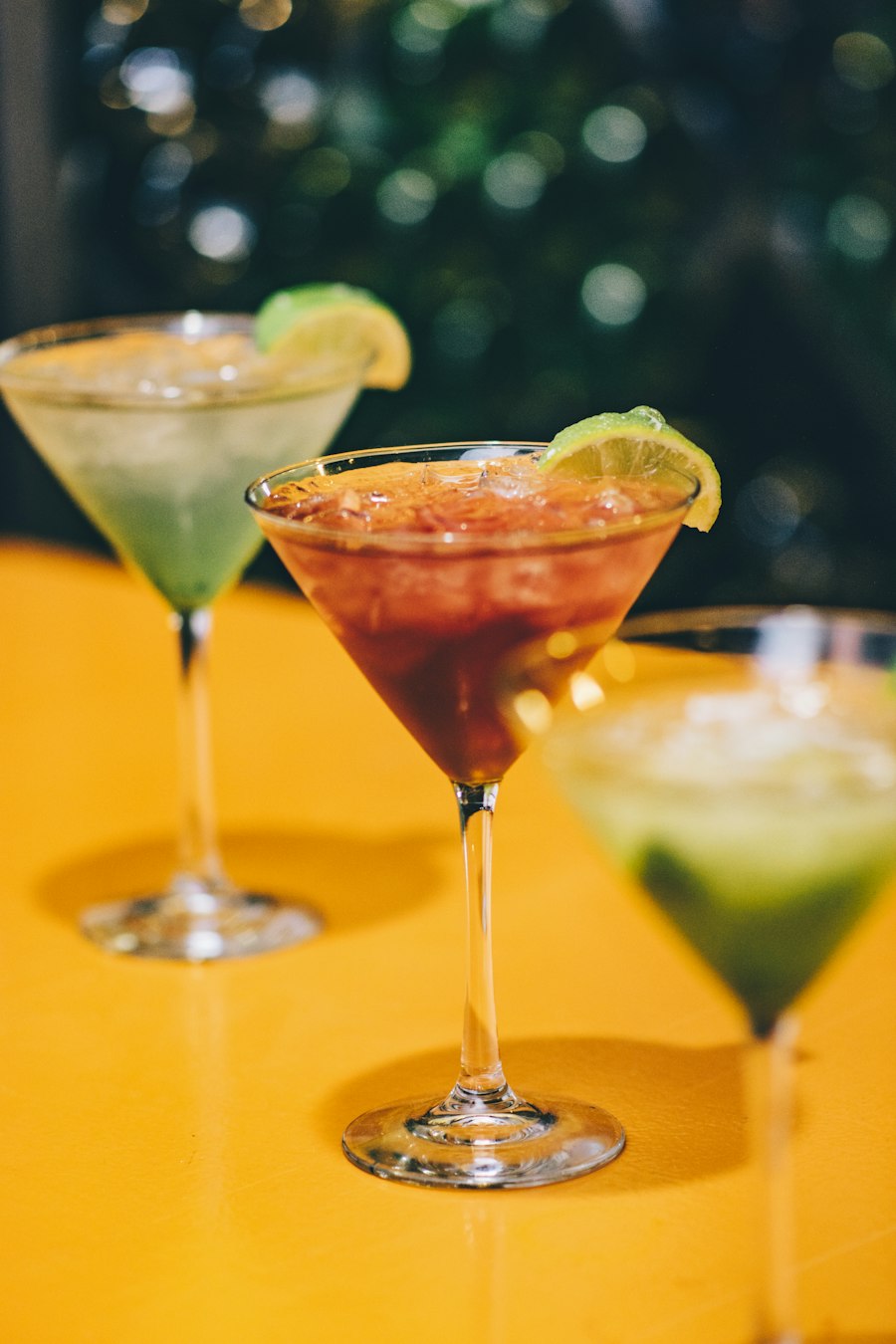
1 × Homemade Lemonade
LIVE ORDERS
The order from Table 4 will appear here.
Menu, products and order note on the phone.
Table number, products and special note are on the same screen. Accepting the order is under your team's control.
Price, visual and sold out products are managed from the panel.
RUNNING APPLICATION
Table & From the fictional restaurant demo called Fire. You can examine the screens by enlarging them.
This work is a demo prepared for a fictional restaurant; Products, prices and images are examples. Controlled order flow between separate customer and restaurant sessions.
Your business's menu is adapted according to the number of tables and visual identity. Backup is also prepared with employee accounts, authorizations, device and heavy usage tests. Payment, POS/cash and printer connections are not available in this demo. Since the QR link can be shared, orders are accepted with employee approval.
IS YOUR MENU. YOUR BRAND.
Share your current menu and number of tables.
Let's determine the design and installation scope together.